


During a Desktop Pool deletion operation, some objects may not be properly removed leaving orphaned templates and replicas in VMware vSphere.
Although all Desktop Pools were deleted from the Omnissa Horizon console, issues may arise where not all corresponding objects are successfully removed in VMware vSphere, resulting in orphaned VMs.
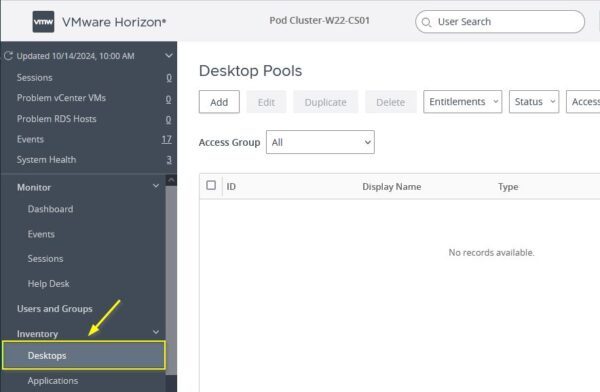
Upon reviewing the vSphere Inventory, certain templates and replicas remain listed, even after executing the deletion command from Omnissa Horizon.
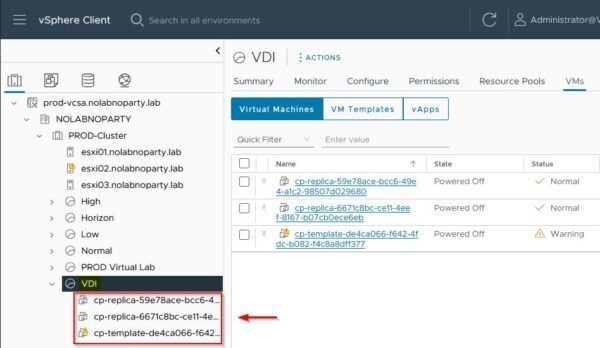
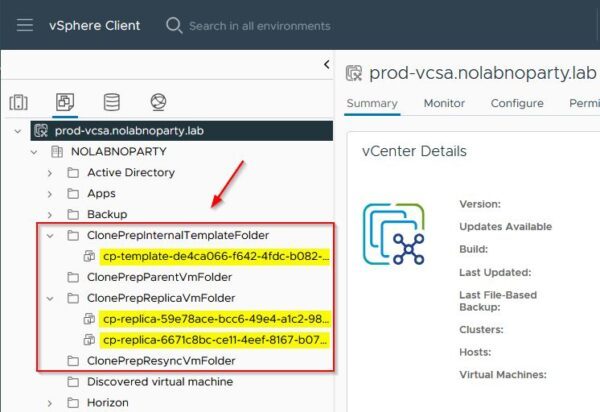
Looking at the Template view, Horizon templates and replicas can be easily identified.
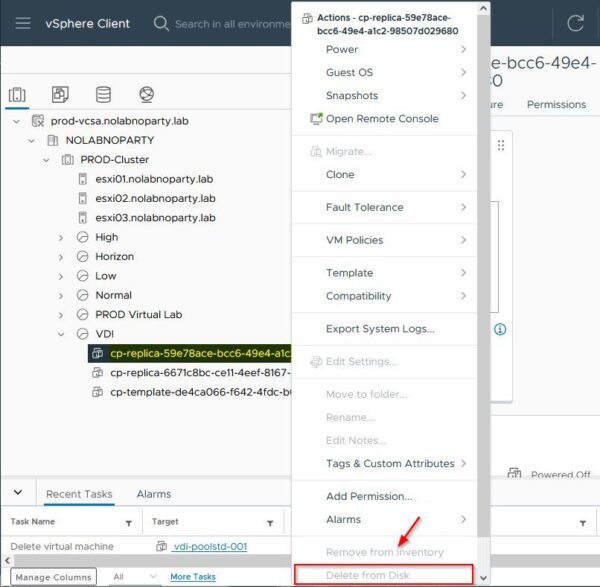
If you try removing these machines directly from the vCenter, the Delete from Disk option is greyed out since the VMs are protected.
How to remove orphaned templates and replicas
To remove orphaned templates and replicas, Horizon provides the iccleanup.cmd tool that can be run from the command line.
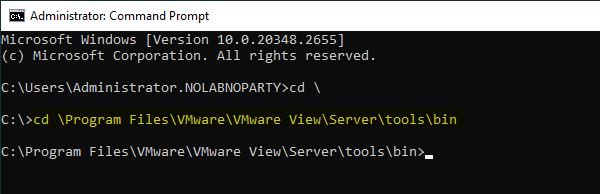
From the Horizon Connection Server, open the Command Prompt and navigate to the folder C:\Program Files\VMware\VMware View\Server\tools\bin.
C:\> cd \Program Files\VMware\VMware View\Server\tools\bin
Run the following command to connect to the vCenter Server:
iccleanup.cmd -vc <vCenter> -uid administrator@vsphere.local -skipCertVeri
C:\...\bin> iccleanup.cmd -vc prod-vcsa.nolabnoparty.lab -uid administrator@vsphere.lab -skipCertVeri
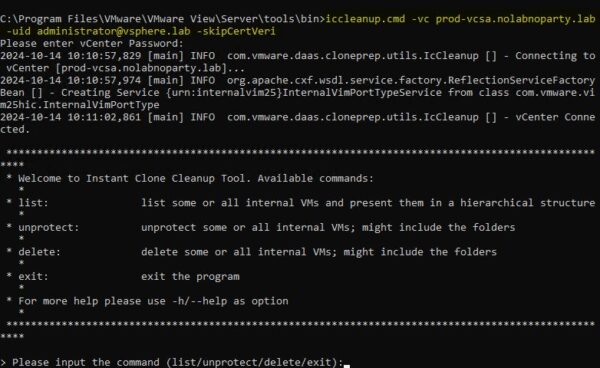
Enter list to display all the objects. In this example, the number 1 identifies the objects to delete.
> Please input the command ( ... ): list

To remove these objects from the vCenter Server, enter the command:
delete --index <number>
> list> Please input the command ( ... ): delete --index 1
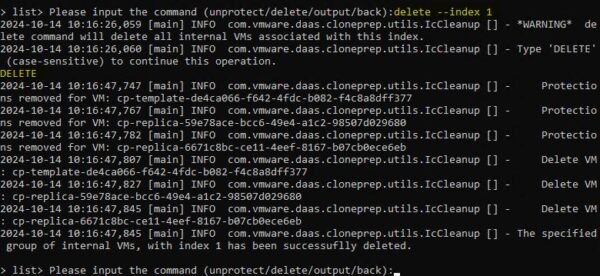
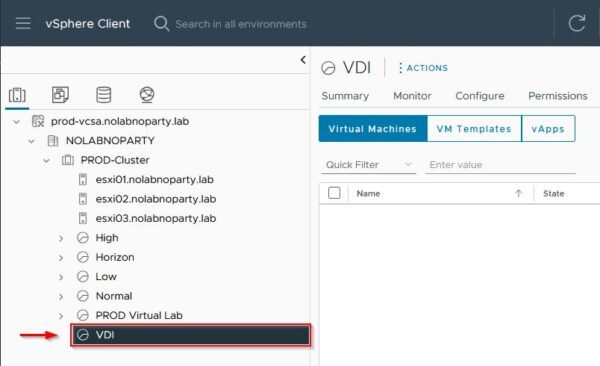
Once the delete command has been executed, verify through vCenter Server that all orphaned templates and replicas have been successfully removed.
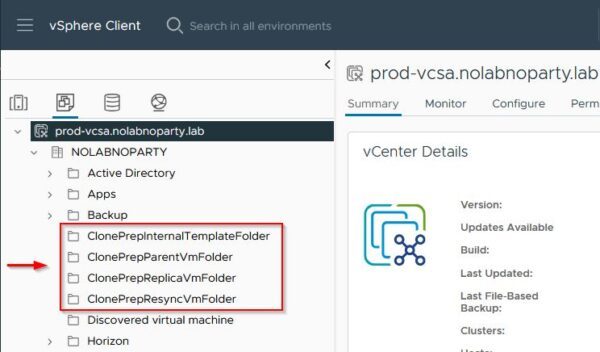
You can also confirm the actual deletion in the Inventory.
By following this simple procedure, you can keep your Omnissa Horizon environment clean and fully operational.








I have tried but, in my case, I have re-recreated the Connection server and old connection deleted or changed. Through this procedure not showing in this list (Replica-f9d74dcd-6e83-40e0-953e-9dea2 (orphaned) template. I mean old connection templates showing and how can delete these.
I am having the same issue,
I am having the same issue as Umar. I have templates that are orphaned but do not show up when I type list.