Once the vCenter MFA implementation is complete, the login process can be further secured by adding a second factor of authentication (2FA). This requires configuring Conditional Access in Entra …
Configuring VMware vCenter MFA with Microsoft Entra ID involves assigning users to the SCIM app and granting them permissions in vCenter to secure the login process. Make sure the …
After configuring federation between the vCenter and Microsoft Entra ID, the VMware vCenter MFA implementation requires setting up the SCIM components. Make sure that all steps described in part …
Setting up VMware vCenter MFA with Microsoft Entra ID is an effective way to strengthen virtual infrastructure security. Accessing the vCenter Server using only user and password only is …
If you need to log in to the Proxmox infrastructure with domain users, you must configure Proxmox LDAP synchronization with Active Directory. This configuration requires your Proxmox infrastructure to …
When you need to change the Corosync IP network in Proxmox, you must follow a specific sequence to avoid breaking cluster synchronization. In a two-node cluster Proxmox you must …
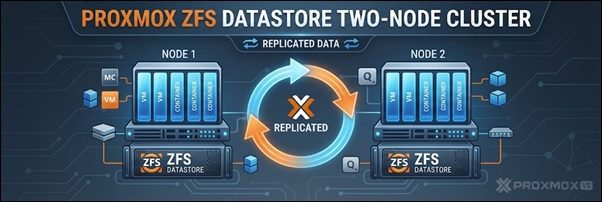
Because a ZFS datastore in a Proxmox Two-Node cluster operates locally rather than as a shared storage pool, ZFS Pool replication is required to synchronize data between nodes. To …
If a Proxmox Two-Node cluster is configured without a third node, you may face issues in case one node fails or the cluster enters a split-brain scenario. As a …
By deploying Omnissa App Packages via In-Guest VHD mode, you can stream virtualized apps via SMB shares directly to guest VMs. This solution allows you to deliver virtualized software …
After installing and configuring the Omnissa App Volumes Manager, the next step is to configure and assign Writable Volumes with In-guest VHD to your users. Ensure that the file …
This site uses cookies from Google to deliver its services, to customize ads and for traffic analyzer. If you continue browsing we consider you accept the use of cookies.