The procedure to safely upgrade an Object First OOTBI cluster is perhaps one of the simplest operations to perform.
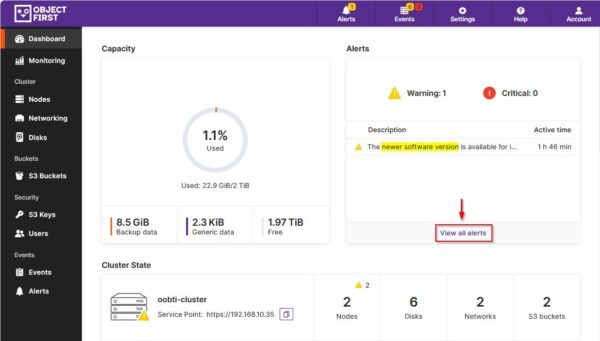
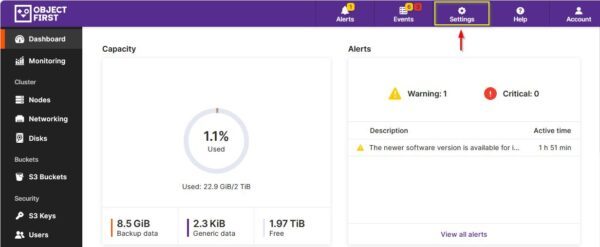
When a new update is available for your cluster, a notification is displayed on the main Dashboard of the console.
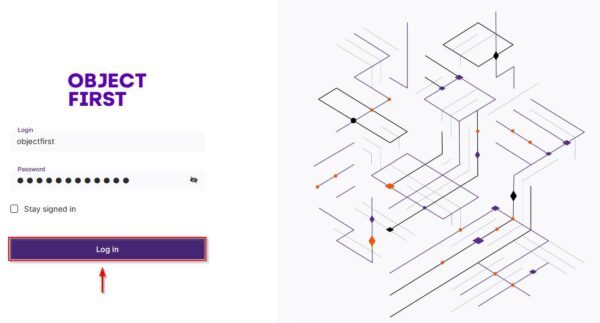
Upon logging in to your OOTBI cluster, the alert area will notify you that a new update is available.
Click on View all alerts link to display the available system notifications.
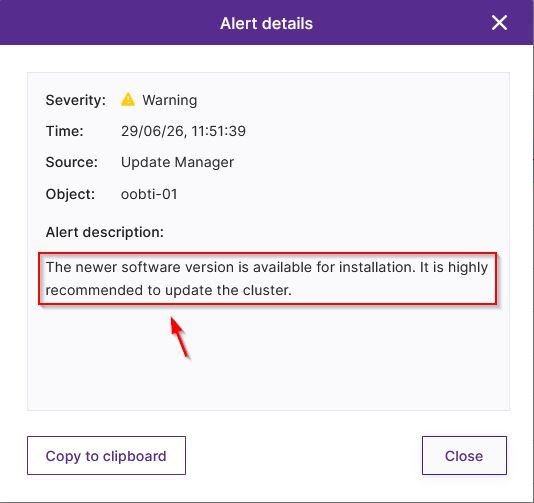
Click the alert you want to review to see more details.
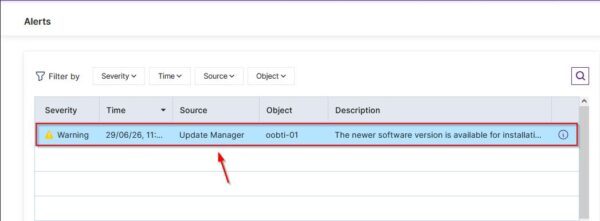
The details for the selected alert will then be displayed.
Upgrade Object First OOTBI cluster
Before proceeding with the upgrade, ensure that no writing operations to buckets are currently in progress to avoid possible data loss.
The steps required to upgrade an Object First OOTBI cluster are very straightforward and require only a few clicks. From the Dashboard section, click Settings.
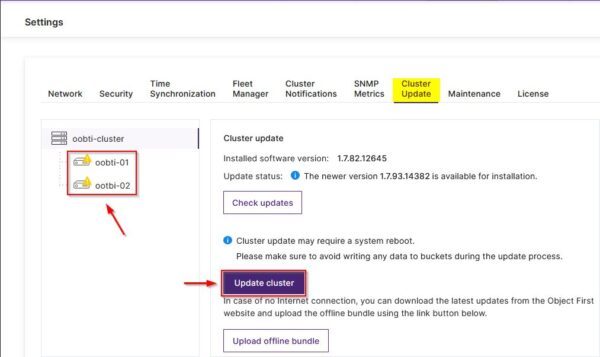
Navigate to the Cluster Update tab and click Update Cluster. Note the configured devices are in a warning status.
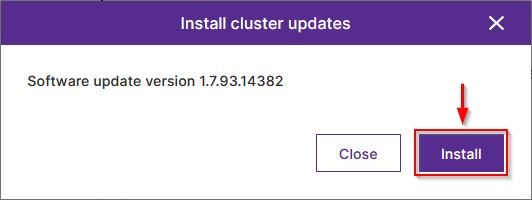
Click Install to proceed.
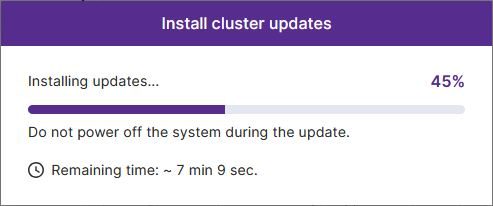
The update will now begin installing.
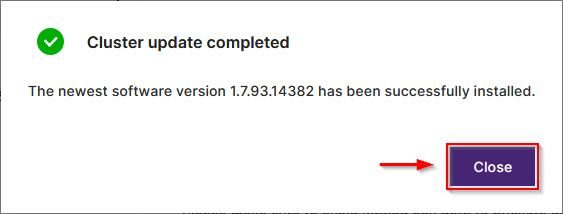
When the operation to upgrade Object First OOTBI cluster is complete, click Close.
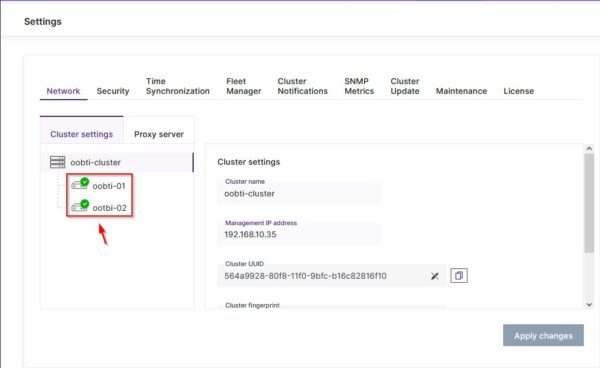
The configured devices should now display a green status.
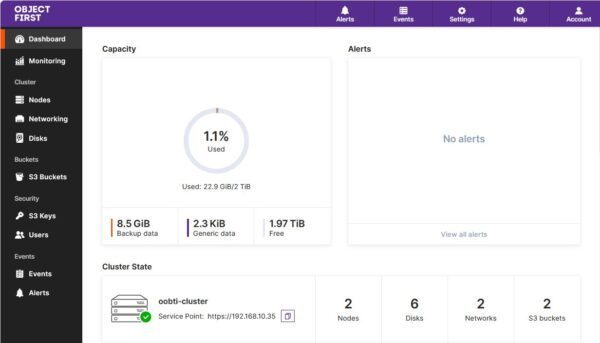
The update alerts will be cleared from the Dashboard.
It is strongly recommended to apply new updates as soon as they are released. This not only improves performance and introduces new features, but also patches the system against potential vulnerabilities.