


Introduced in RecoverPoint 5.3, the HTML plugin server must be included in the upgrade process to complete the overall procedure.
Used to manage RecoverPoint from the vCenter Server, when the RecoverPoint cluster 5.3 and above has been upgraded to a new version the HTML plugin server must be upgraded accordingly.

Upgrade the HTML plugin server
Before proceeding with the upgrade, keep in mind that during the upgrade the HTML server plugin cannot be operated.
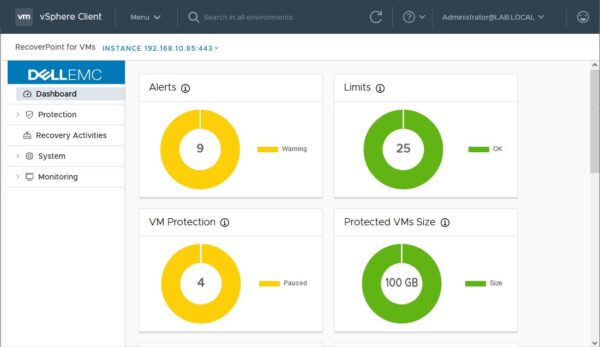
From the vCenter, access the RecoverPoint area from Menu > RecoverPoint for VMs.

Expand System and select Plugin Server.

Click the Actions drop-down menu and select Upgrade plugin server.

Select the HTML plugin server downloaded from Dell website and click Open.

The upgrade is being installed.

After few seconds the upgrade completes successfully.

When the upgrade has been completed, you start operating your RecoverPoint for VMs system.
RecoverPoint like all other software backup/replication solutions must be kept up-to-date to support newest versions of VMware vSphere avoiding the risk of backups failure.


