When installed in your Omnissa Horizon infrastructure, Dynamic Environment Manager (DEM) should be upgraded last in your component upgrade sequence.
You need also to update the associated Group Policy ADMX templates in Active Directory as part of the DEM upgrade process.

Blog series
Omnissa Horizon 2503 upgrade guide: App Volumes Manager - pt.1
Omnissa Horizon 2503 upgrade guide: Connection Server - pt.2
Omnissa Horizon 2503 upgrade guide: UAG - pt.3
Omnissa Horizon 2503 upgrade guide: DEM and Templates - pt.4
Upgrade DEM Management Console
Download from Omnissa website the latest version of Dynamic Environment Manager and run the installer.
Accept the EULA and click Next.

Leave default Destination Folder and click Next.

Select the Management Console option and click Next.

Click Upgrade.

The Management Console is being upgraded.

When the installation is complete, click Finish to exit the wizard.

The new Management Console.

Upgrade the DEM Agent
Copy the downloaded Dynamc Environment Manager Agent to the Golden Image and run the installer.
Accept the EULA and click Next.
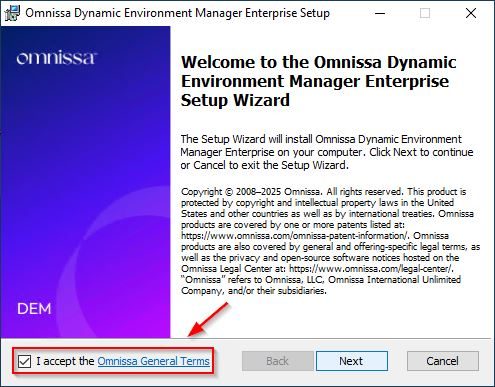
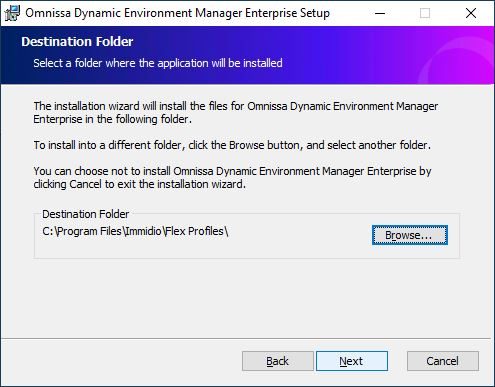
Leave default Destination Folder and click Next.
Select Agent as feature to install then click Next.

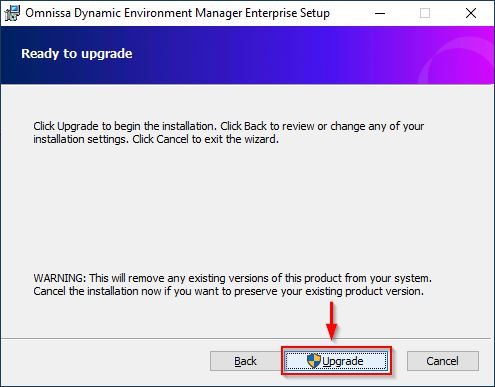
Click Upgrade.
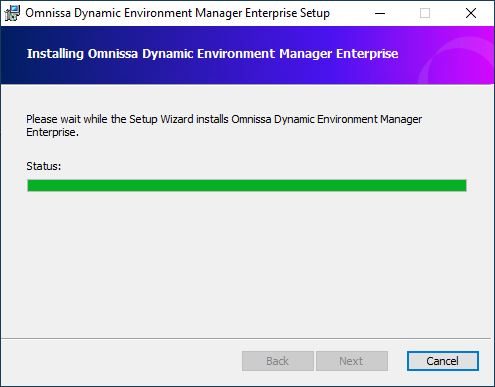
The Agent is being installed.
When the installation is complete, click Finish to exit the wizard.
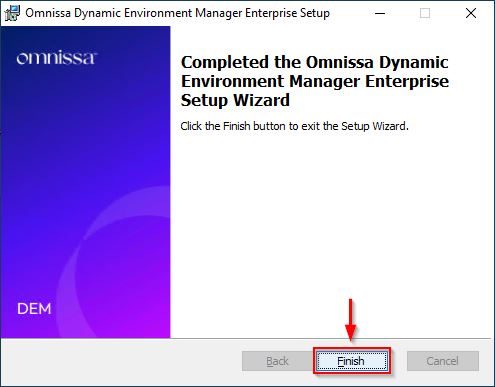
Dynamic Environment Manager component has been upgraded successfully.
Upgrade the ADMX Templates
From the DEM zip file, extract the ADMX Templates folder and copy the folder to the Domain Controller.

From the Domain Controller, open the File Explorer and navigate to the folder C:\Windows\SYSVOL\sysvol\<domain>\Policies\PolicyDefinitions.
C:\Windows\SYSVOL\sysvol\nolabnoparty.lab\Policies\PolicyDefinitions
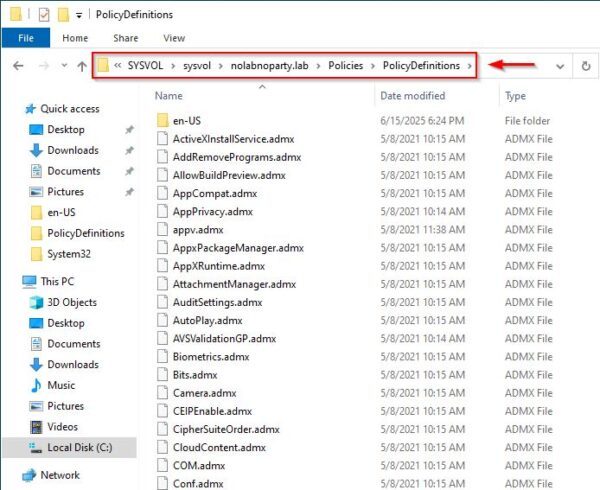
Copy the extracted ADMX and ADML files to the corresponding folders overwriting the old files version.

Dynamic Environment Manager ADMX templates are now upgraded to version 2503.