Category: vmware
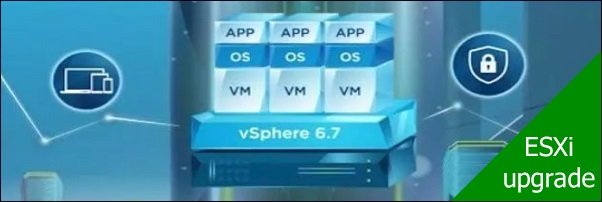
After upgrading the vCSA, to take benefit of new features provided by vSphere 6.7 you have to upgrade also all ESXi hosts installed in your virtual infrastructure. The procedure …
After installing VMware vSphere 6.7 Update 1, Veeam backup fails due to a change in the vSphere API 6.7 introduced by VMware. The processed backup jobs fail with the error "Object reference …
If your vSphere environment is running version 6.0 or above, you can easily migrate the vCenter Server to version 6.7 with the migration tool provided with vSphere 6.7. Compared …
AWS Server Migration Server (SMS) allows the migration of one or multiple on-premises virtual machines to AWS in an easy way from a single pane of glass. This article …
When you plan the upgrade of your virtual infrastructure to latest VMware vSphere 6.7, first step to take is a new installation of the vCSA component. The upgrade process must …
If an ESXi host member of the vSAN cluster fails for any reason, you should replace the failed host as soon as possible to avoid data loss. It may happen …
On September 19, 2018 VMware officially closed the general support for VMware vSphere 5.5 and customers running version 5.5 should plan an upgrade of their infrastructure asap. Although there is the …
Once the KMS Server has been configured and successfully added to the vCenter Server, you are able to encrypt virtual machines. The access to the encrypted virtual disk requires …
To take advantage of virtual machines encryption feature in VMware vSphere, the KMS Server and the vCenter Server must be properly configured to establish a connection. Once the KMS …
To improve security in a virtual environment, VMware vSphere 6.5 provides the virtual machines encryption capability securing VMDK virtual disks, .vmx and swap files making stored data unreadable. Only …