


Deleting a database in Lotus Domino is not always an easy task. You need to launch some specific commands in order to complete the action successfully.
Selecting the database file and using the delete command is the standard procedure used under Windows environment to remove files from the system.
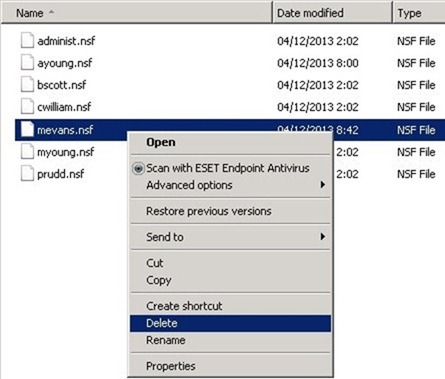
If you try to delete a Lotus Domino database file, you may receive a warning message.
The action cant’ be completed because the file is open in nserver.exe

You are not able to delete the database because is locked by Domino.
Procedure
To successfully delete a database, open Domino Administrator and go to Server > Status > Server Console, type in the Domino Command field the command:
drop filename.nfs

Then type the command:
dbcache flush

Now if you try deleting the file once again, the system allows you to move the file to the Recycle Bin. You should perform this action quickly before Domino rebuilds the cache.

The database has been successfully removed from the system.

Removing unused databases it’s a best practice to keep the system clean and saving some disk space.


