


MinIO is an open-source software that delivers high-performance Object Storage capabilities, Amazon S3 compatible, making it an excellent target for storing backups.
When combined with TrueNAS Scale software, you can configure a robust backup solution that leverages MinIO's Object Storage capabilities as a Backup Repository to safeguard your backup data.
MinIO Object Storage support the Object Lock function to make your backups immutable.
Prerequisites
To complete the installation of the MinIO Object Storage, you need to have a working TrueNAS Scale deployment available in your network.
Create a new Dataset in TrueNAS
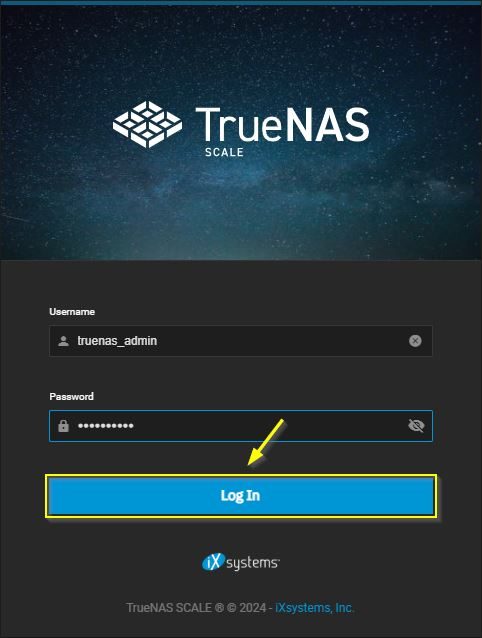
Using your preferred browser, connect to your TrueNAS Scale deployment and type the credentials to login. Click Log In.
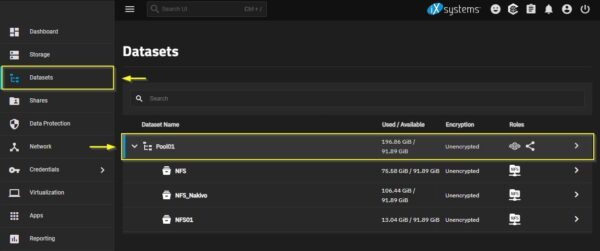
Got to Datasets area and select an existing Pool. Create a new one if no Pools are configured in your TrueNAS configuration.
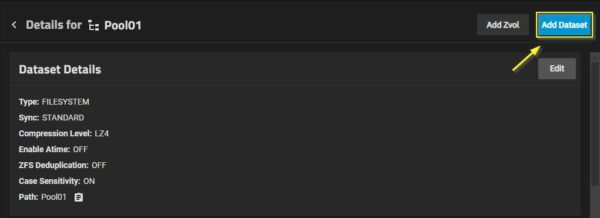
Click on Add Dataset button.
Enter a Name for the new Dataset (MinIO for example) and click Save.

The just create new Dataset.

This article has been written for StarWind blog and can be found in this page. It covers the full procedure to setup MinIO S3 Object Storage on TrueNAS.
Configure the Backup Repository
Once the Bucket is created in MinIO, it can be configured as Target Repository in your backup solution (for example Veeam, Nakivo, HornetSecurity, Vembu, etc.).
In your backup software solution, enter the Service point with the format https://<TrueNAS_IP_address>:9000 and the Credentials using the previously generated Access and Secret Keys.

You are now able to access the Bucket previously created (backup in the example) in MinIO.

MinIO and TrueNAS are both open-source software and can be downloaded free of charge.
Read the full article on StarWind blog.





No Responses