Once the Veeam High Availability Cluster has been created, there are two ways to perform the failover: manual and automated through Veeam ONE.
Manual failover does not require additional components to be installed, whereas automatic failover requires Veeam ONE to be installed and configured within your network.
Blog series
How to configure the Veeam High Availability Cluster - pt.1
Veeam High Availability Cluster: failover and automation - pt.2
Veeam High Availability Cluster: switchover and disassemble - pt.3
Primary node failure
To test whether the Veeam High Availability Cluster works as expected, you need to take the Primary Node offline by simulating a failure.
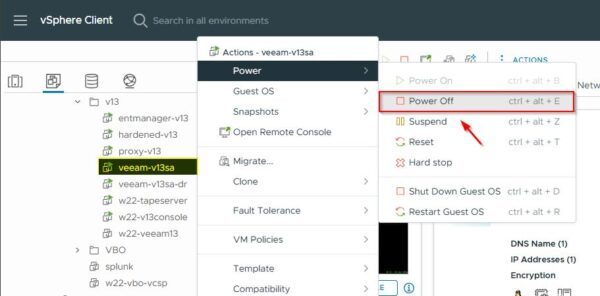
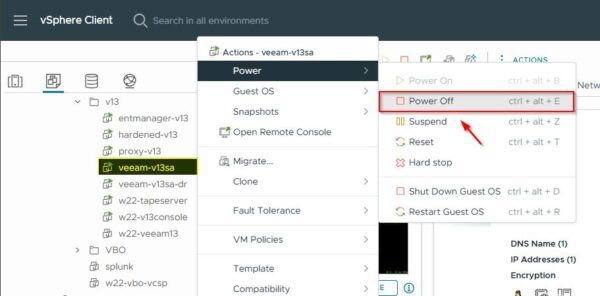
From the vSphere Client, power off the Primary Node of the Veeam High Availability Cluster. Right click the Primary Node and select Power > Power off.
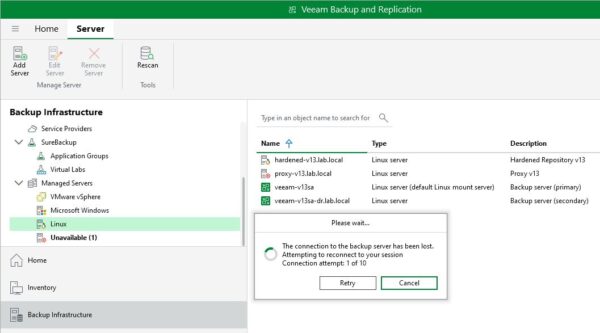
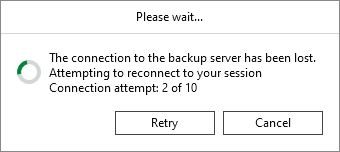
Ensure the connection is lost from the Veeam Backup & Replication Console.
Manual failover of the Veeam High Availability Cluster
Once the Primary Node has failed, close and re-open the Veeam Console. The process takes about 10 minutes to complete the failover.
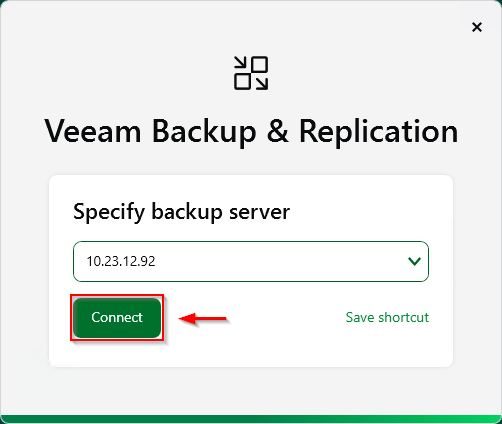
Enter the IP Address of the HA Cluster and click Connect. You cannot initiate a failover using the cluster DNS name.
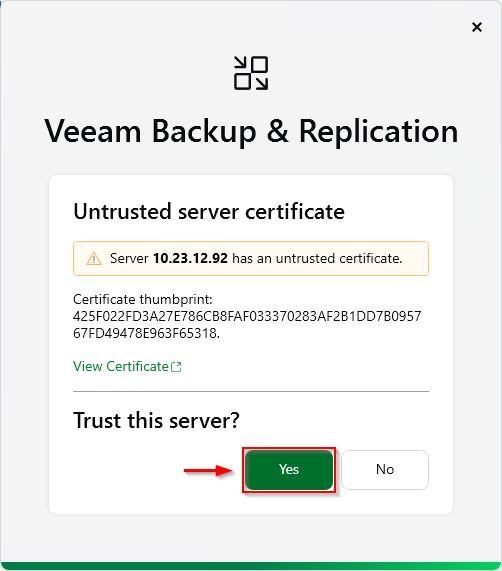
The new certificate thumbprint is detected. Click Yes to trust the server.
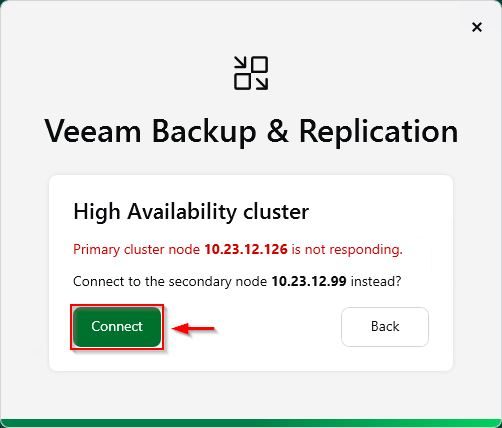
The system detects the Primary Node has failed. Click Connect to connect to the Secondary Node.
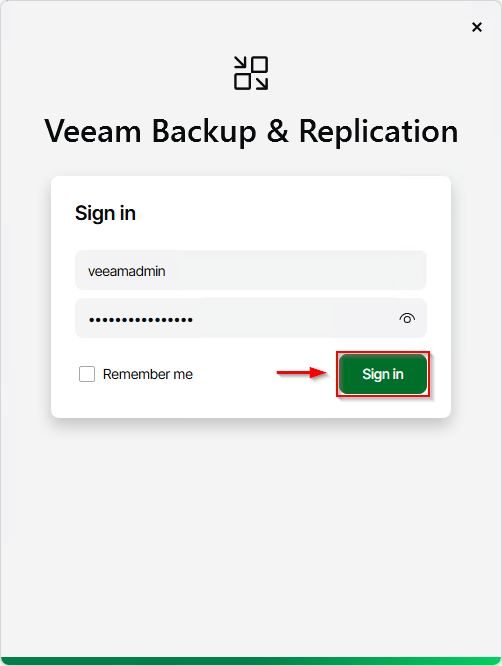
Enter the credential to login to the Secondary Node and click Sign in.
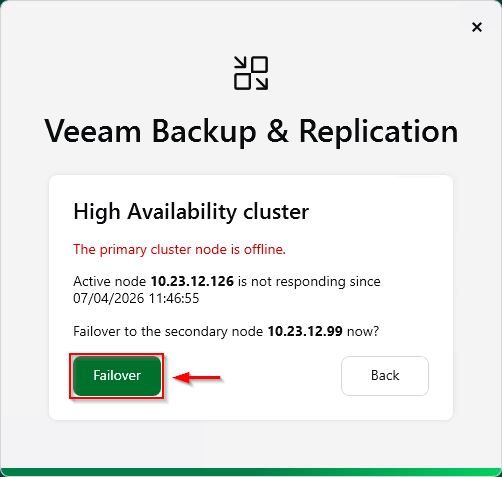
Click Failover.
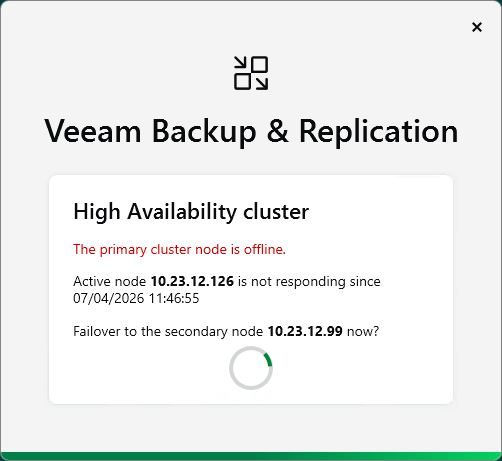
The system attempts to connect the cluster through the Secondary Node.
The Veeam Console now opens showing a warning about the missing Secondary Node in the HA Cluster. The previously configured Secondary Nodes has assumed the Primary Node role after failover.
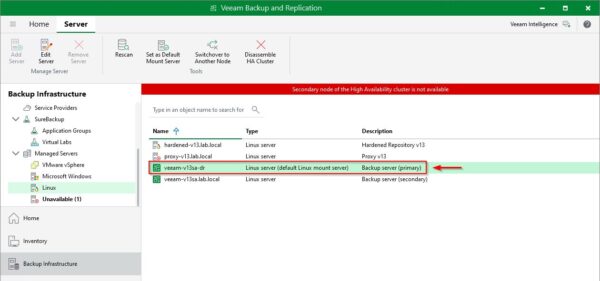
This article has been written for StarWind blog and can be found in this page. It covers the complete procedure for performing both manual and automated failovers of the Veeam High Availability Cluster.
Test automated failover
From the vSphere Client, Power Off the Veeam Primary Node (veeam-v13sa in the example).
The Veeam Console loses the connection with the Primary Node.
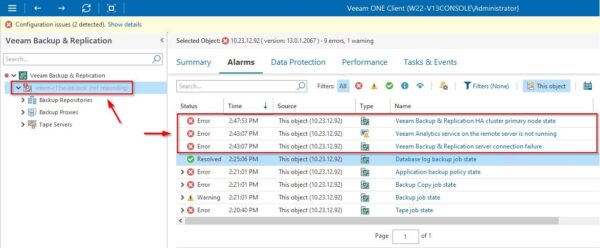
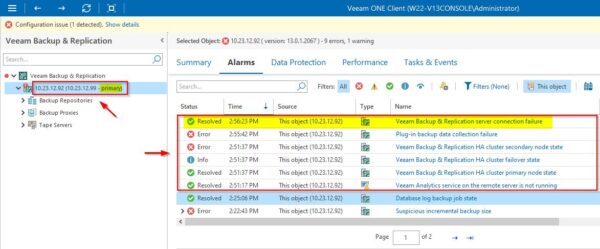
In the Veeam ONE Client, go to the Veeam Backup & Replication section and click on the grayed-out Primary Node. In the Alarms tab of the right pane, the failure of the node is detected.
The system requires about 10 minutes to complete the automated failover operation. When the failover is completed, the Secondary Node assumes the role of Primary Node restoring the Veeam Server functionality.
Leveraging the Veeam ONE's capability to trigger an automated failover when the Primary Node fails allows you to maintain maximum efficiency of the Veeam Backup Server, limiting the service outage to just a few minutes.
Part 3 will cover the procedure to scan, switchover and disassemble the HA Cluster.
Read the full article on StarWind blog.